From a Dead Laptop to a Running Homelab
May 22, 2026Articles
How a broken HP Pavilion sparked a journey into enterprise-grade home infrastructure.
May 2026 | 8 min read | Articles
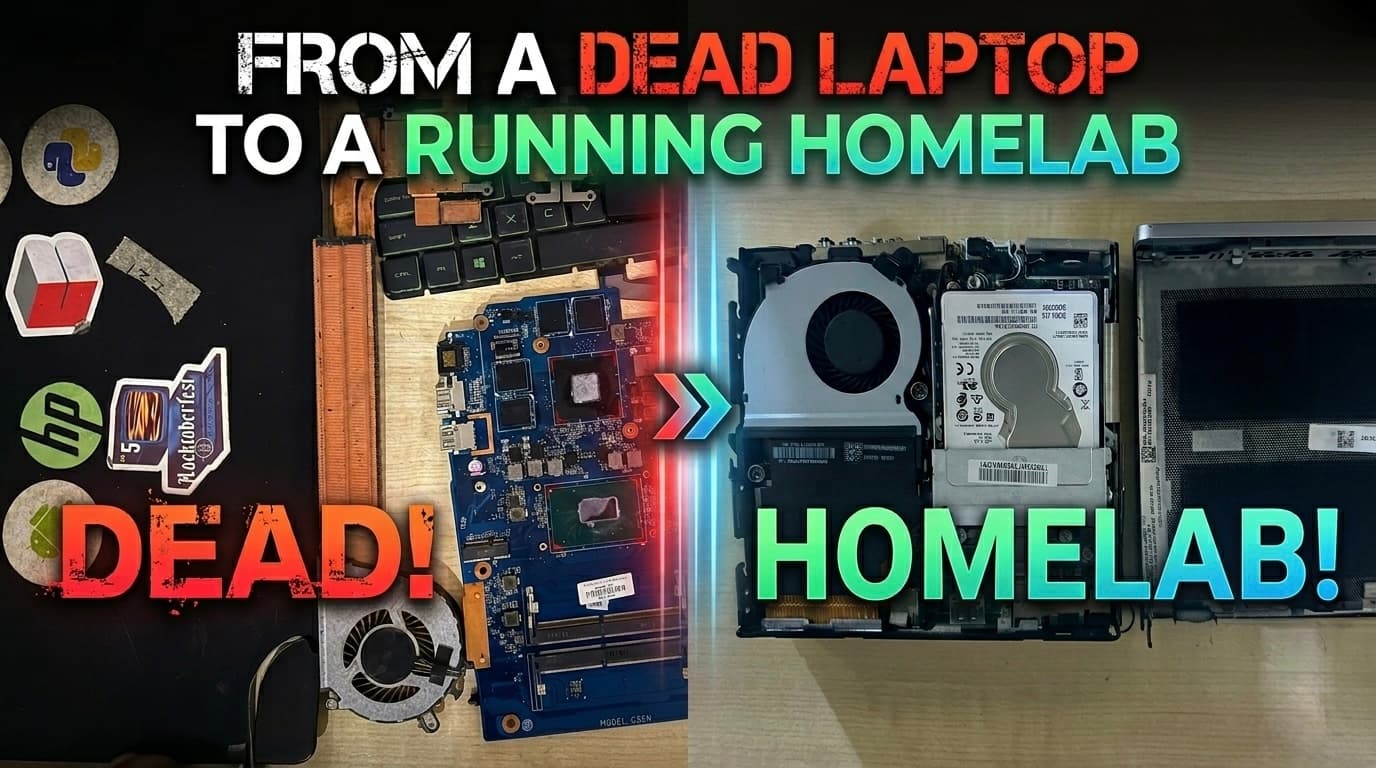
There's a HP Pavilion sitting in a box in my room right now. No screen. No keyboard. No touchpad. Just a bare chassis and a pile of parts I pulled out of it with a screwdriver one Sunday afternoon.
That's where this whole thing started.
The Laptop That Refused to Die Gracefully
I bought that HP Pavilion back in 2018, during college. It was my everything machine for years -- assignments, projects, late night coding sessions. Somewhere along the way the screen cracked and the keyboard and touchpad gave up. But I kept using it. Just plugged in an external monitor, a keyboard, a mouse, and carried on. A janky desktop setup, but it worked.
Then in March 2026, it stopped working entirely.
The power button did nothing. I took it to a technician, hoping for a quick fix. He came back with a quote: ₹22,000. Short circuit on the main board, USB ports gone, the ports hub busted -- and that price included replacing the screen I didn't even need anymore. I stood there for a moment, did the math in my head, and said no.
I walked home, opened my toolbox, and grabbed a screwdriver.
Taking It Apart
I'd never fully disassembled a laptop before. But how hard could it be?
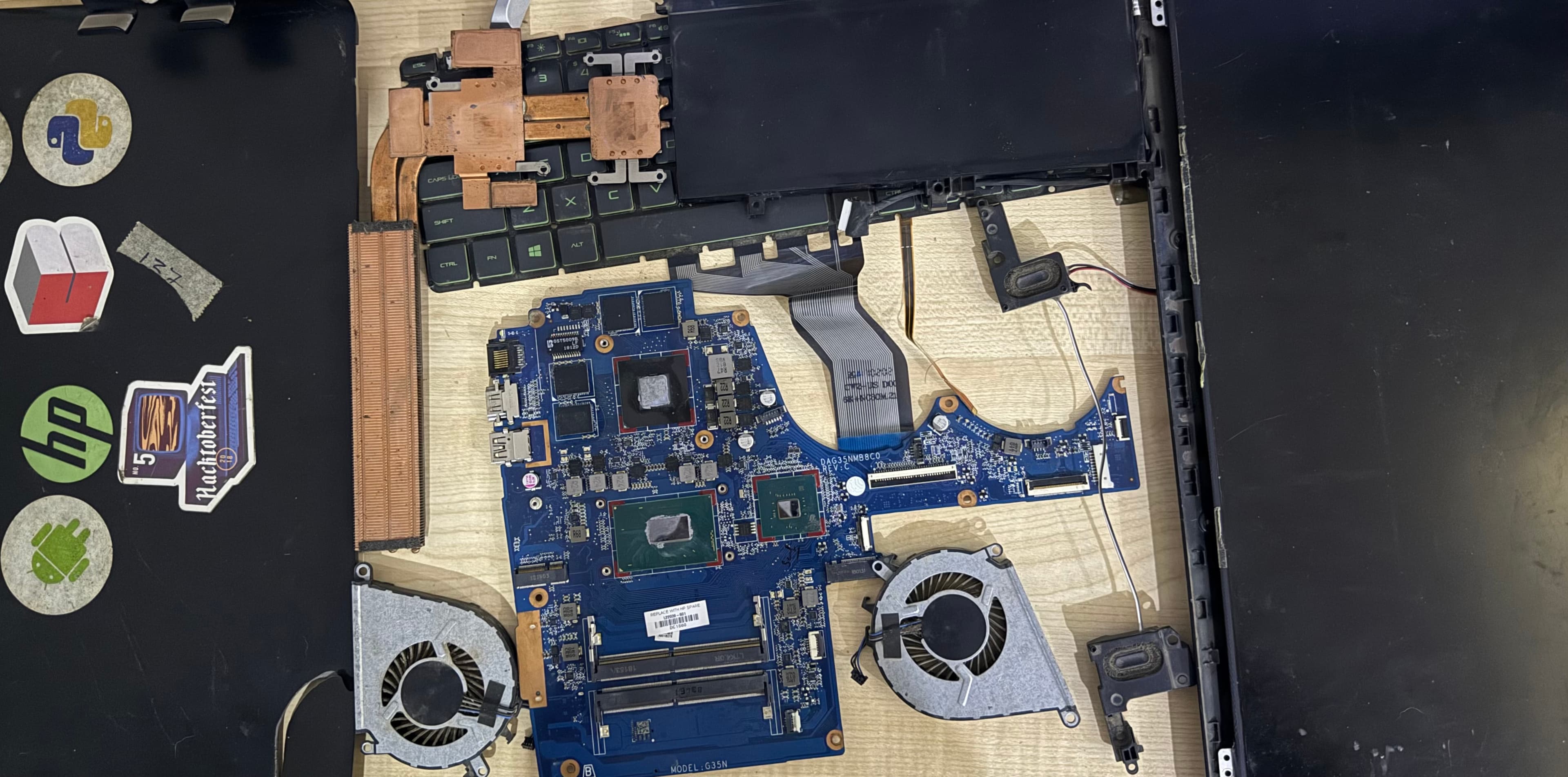
I started with the back lid -- a few screws and it popped open. Then I went layer by layer: battery first, then the RAM sticks, then the SSD, then the HDD. I unplugged the broken ports hub and set it aside. More screws revealed both the cooling fans, and then the copper heatsink underneath. I unplugged the WiFi card and the touchpad ribbon. Finally, I cracked open the screen to salvage the antenna wires and the webcam.
By the end of it, I had the bare chassis on one side of my desk and a neat little pile of components on the other -- RAM, a SATA SSD, a 1TB HDD, WiFi card, antennas, fans, screws in a cup.
I sat there looking at it and thought: now what?
The Spark
My friend was staying with me that week. He looked at the pile of parts and casually said, "you could build an image server out of this, for local backups."
He said it offhand, like it was obvious. I didn't think much of it at the time -- but something clicked. That one sentence sent me down a rabbit hole I haven't come out of since.
I started with Raspberry Pi. It seemed like the obvious entry point -- cheap, popular, endless tutorials. I figured I could reuse the RAM and drives from the laptop, slap everything onto a Pi, and have a home server in a weekend.
That plan fell apart pretty quickly.
The RAM from the laptop? Not compatible -- Pi uses its own onboard memory. The SATA SSD? Pi 4 and 5 natively support NVMe only; SATA needs adapters and HATs, and it gets messy fast. And the processing power on a Pi, while impressive for its size, wasn't really suited for running multiple services with any headroom.
I kept digging. I was using Claude throughout this -- working through the tradeoffs, understanding what I actually needed versus what I thought I needed. At some point the conversation shifted from "Pi or not Pi" to "what about a Mini PC?"
Finding the Right Machine
Turns out Bangalore has a whole ecosystem of shops selling company-returned enterprise hardware -- HP, Dell, Lenovo -- refurbished and ready to go. One name kept coming up in research: Bharati Systems.
Now came the actual decision-making. Mini PCs from HP (EliteDesk), Dell (OptiPlex Micro), Lenovo (ThinkCentre Tiny) -- all solid options. I went deep on the specs: RAM slots (how many, what type), storage options (M.2 NVMe + 2.5" SATA support), external connectivity (USB, display outputs, PCIe availability).
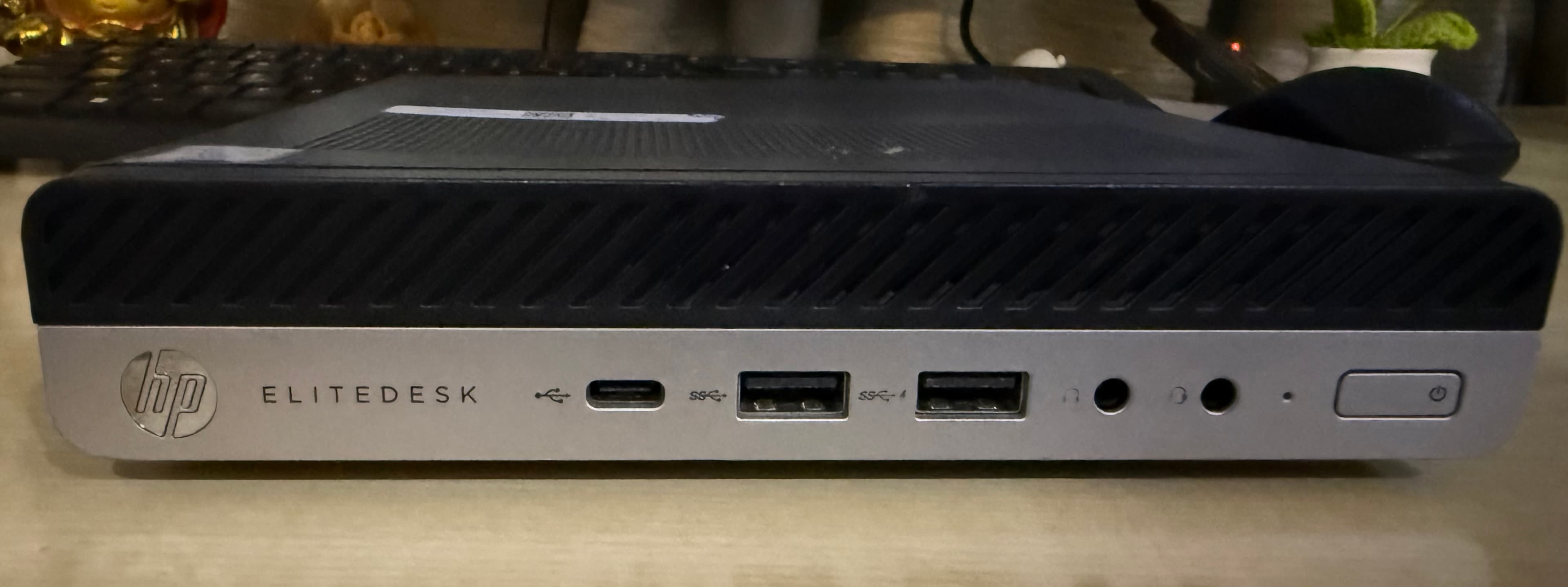
HP EliteDesk 800 G5 Mini won. The port selection was better for what I needed, and the internal layout made it easy to add the drives I already had.
Then came the processor choice. The i7-8700T was the sweet spot:
- 6 cores / 12 threads -- enough to run multiple containers simultaneously without things grinding to a halt
- 35W TDP -- a T-series chip, designed for efficiency, which matters when something's running 24/7
- Price -- the jump to 9th gen or higher wasn't worth it for a homelab workload; the 8700T gives more than enough headroom at a fraction of the cost of newer silicon
I placed the order: HP EliteDesk 800 G5 Mini, baremetal, i7-8700T, 512GB NVMe SSD -- around ₹25,000. No RAM, HDD and Wifi card (I had them from the laptop). No screen. Just the machine.
The Assembly
I was in my hometown when I ordered it. Ten days before going back to Bangalore. The sensible thing would've been to wait, buy it there, and set it up at my desk.
I ordered it immediately.
My friend was travelling to my hometown around that time, so I asked her to pick it up from my flat in Bangalore on her way. She showed up with the Mini PC in one hand and the bag of salvaged laptop parts in the other.
When I connected it to a monitor via LAN cable -- no WiFi yet, it was baremetal -- Windows booted. The Bharati guy had pre-installed it. That first boot screen felt like a small victory.
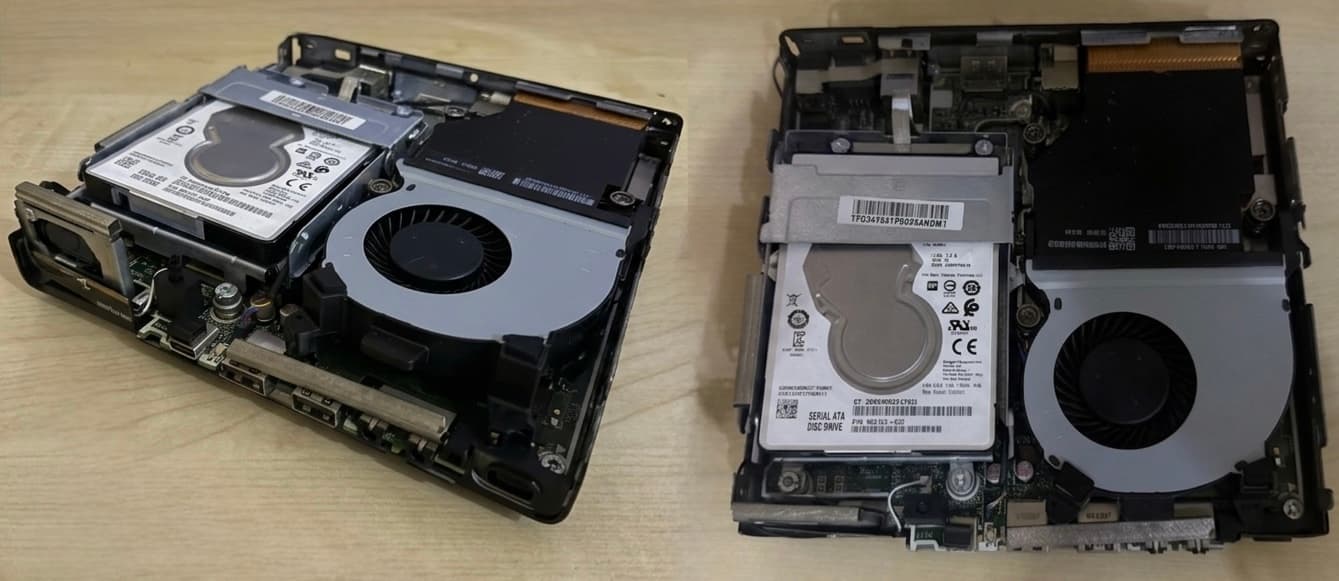
Next problem: no WiFi. Baremetal means no wireless card. But I had one -- the WiFi card from the old laptop, along with its antenna wires. I looked up the EliteDesk 800 G5 specs, confirmed the M.2 slot was compatible, and installed the card. Then came the antenna routing -- I didn't have the actual Mini PC antennas, just the laptop ones. After some video research, I figured out that one antenna had to go outside the chassis and the other could be tucked behind the drive caddy. Worked first try.
I dropped the 1TB HDD into the 2.5" bay. Both drives seated. WiFi live. Fully functional.
The Download Queue
Before I flew back to Bangalore, I spent a few hours downloading videos. Proxmox setup guides. Immich. Jellyfin. Authentik. Home Assistant. I'd never used any of these -- I barely knew what half of them were -- but I'd been reading enough to know these were the building blocks of what people called a "homelab."
That word -- homelab -- had started appearing everywhere in my research. There's a whole community of people running their own infrastructure at home, treating it like a personal R&D lab. Self-hosted services, custom networking, containers, VMs. Building things that rival enterprise setups, for the cost of a used machine and some weekend hours.
I resonated with that immediately.
By the time the plane landed in Bangalore, I had a folder full of offline videos and a list of things to set up. The machine was waiting at my desk. The homelab journey was about to actually begin.
Next: Setting up Proxmox, LXC containers, and the first services -- Jellyfin, Immich, Caddy, and why I skipped Docker Compose for LXC.
Tags: homelab, proxmox, self-hosted, hp-elitedesk, origin-story
Central Logging for Your Homelab: Loki, Grafana, and Alloy
Set up a lightweight central logging stack that collects logs from every service in your homelab — Jellyfin, Sonarr, Radarr, Caddy, Immich, AdGuard Home, and more — into a single Grafana interface you can actually search.
Self-Hosted Push Notifications: ntfy and apprise on Proxmox
A complete walkthrough for setting up ntfy and apprise on Proxmox — spin up two dedicated LXCs using community scripts, configure authentication, wire apprise to ntfy, and expose ntfy publicly via Caddy reverse proxy.